FocusForge

Close the feed
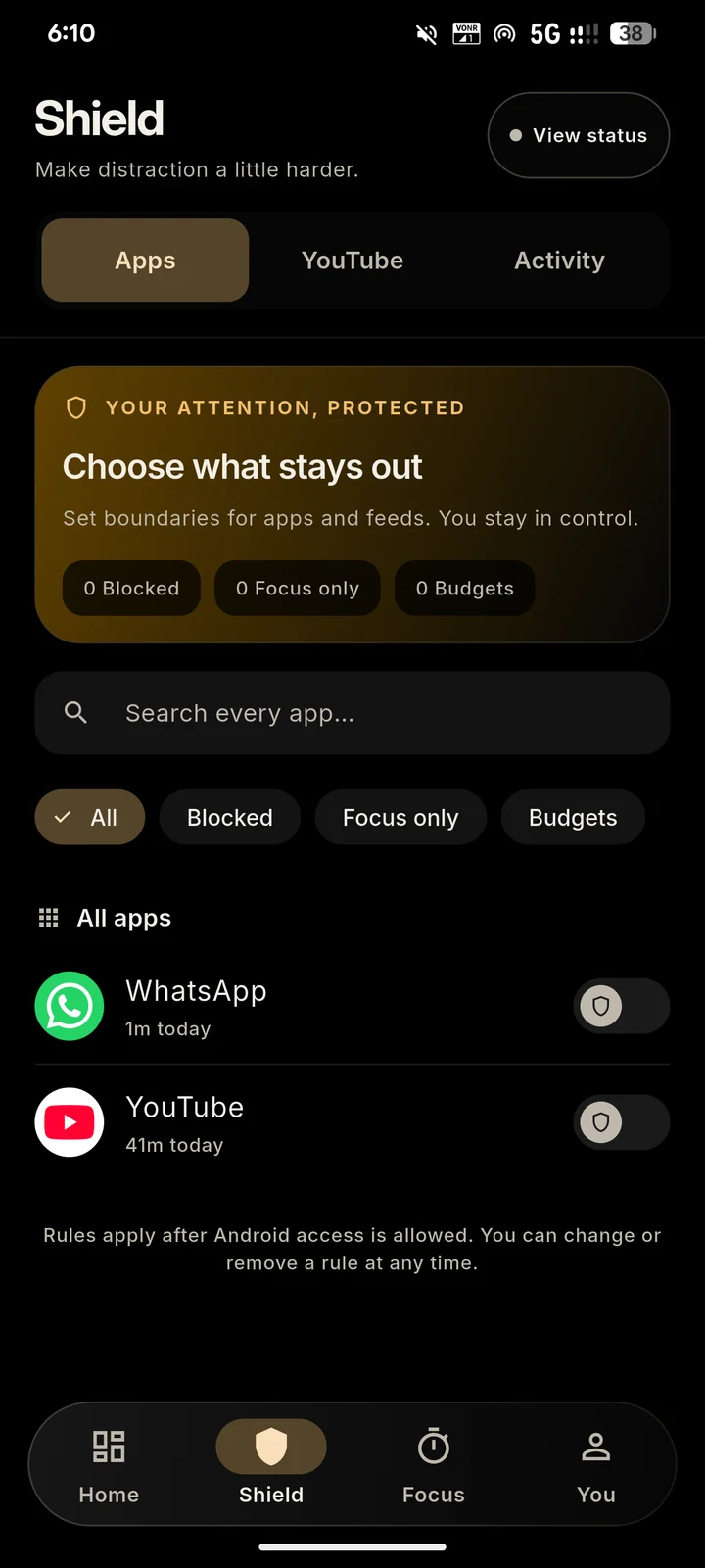
Pick the apps that pull you away, then shut them outright, cap them with a daily budget, or silence them only during study blocks. YouTube’s Shorts player and home feed can vanish while lecture links keep working.
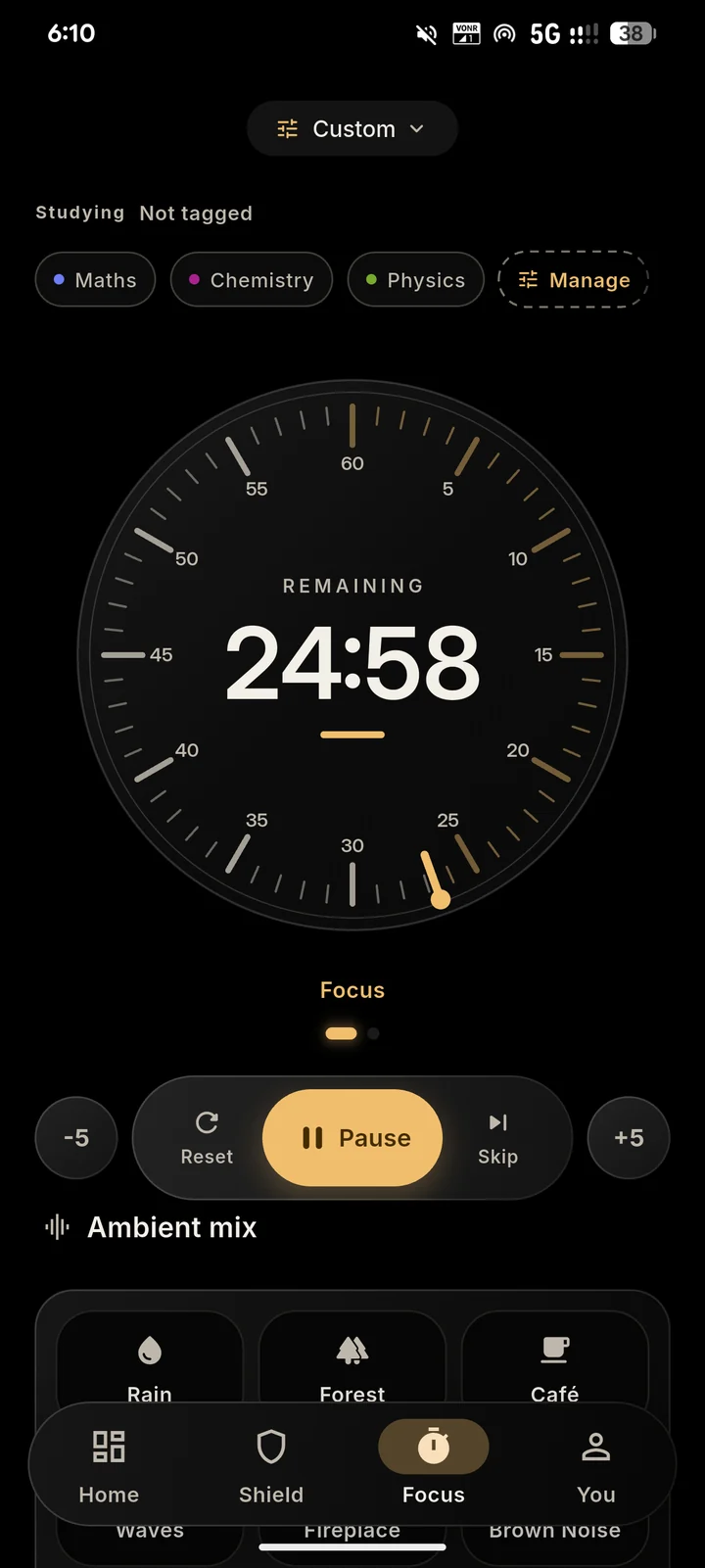
FocusForge pairs a calm study timer with Shield, a gentle lock on whatever quietly swallows your evenings.
Costs nothing, shows no ads, and runs on Android 7.0 or newer.
Shield guards the hour, the timer paces it, and your log remembers it.
Pick the apps that pull you away, then shut them outright, cap them with a daily budget, or silence them only during study blocks. YouTube’s Shorts player and home feed can vanish while lecture links keep working.
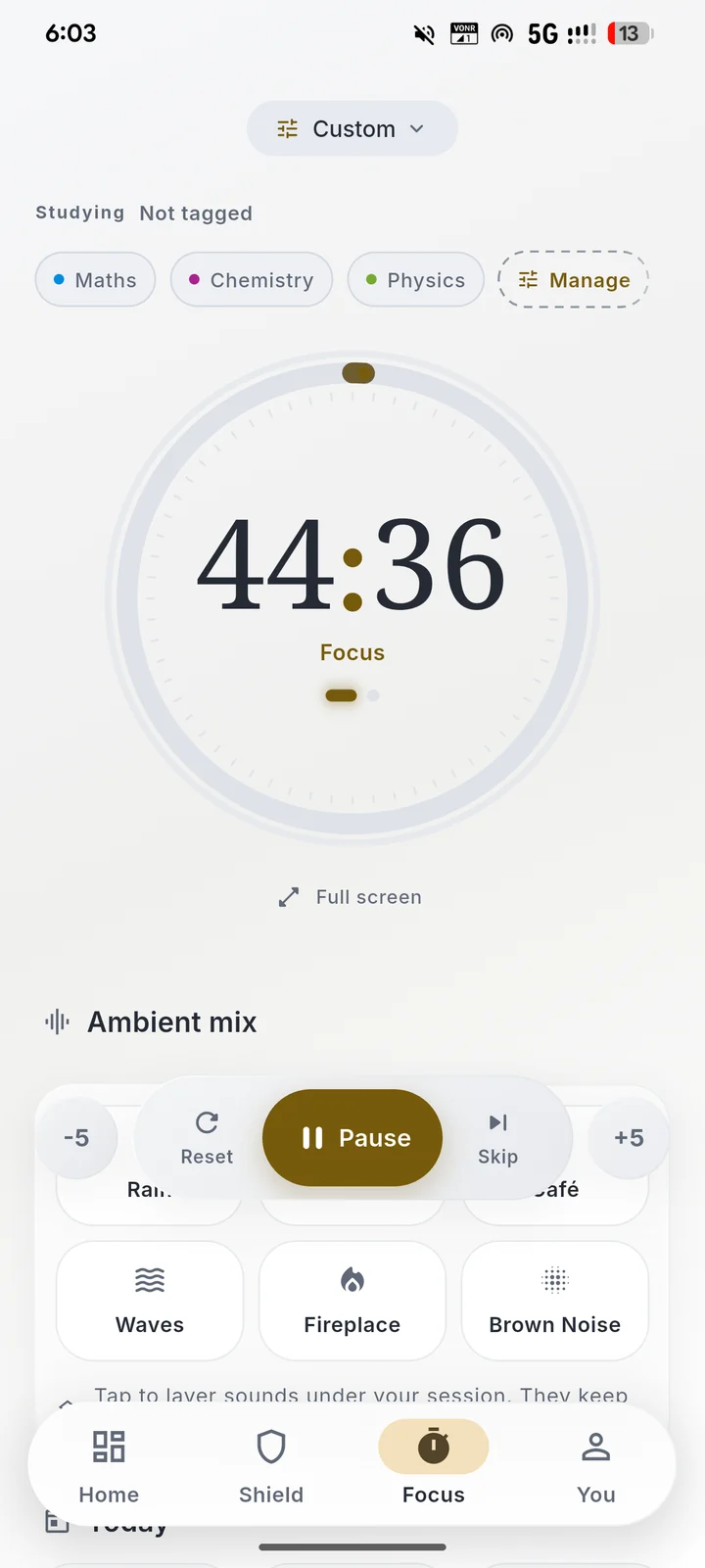
Choose a Pomodoro preset or design your own rhythm, label what is open on the desk, and let rain, forest or café ambience cover the silence.
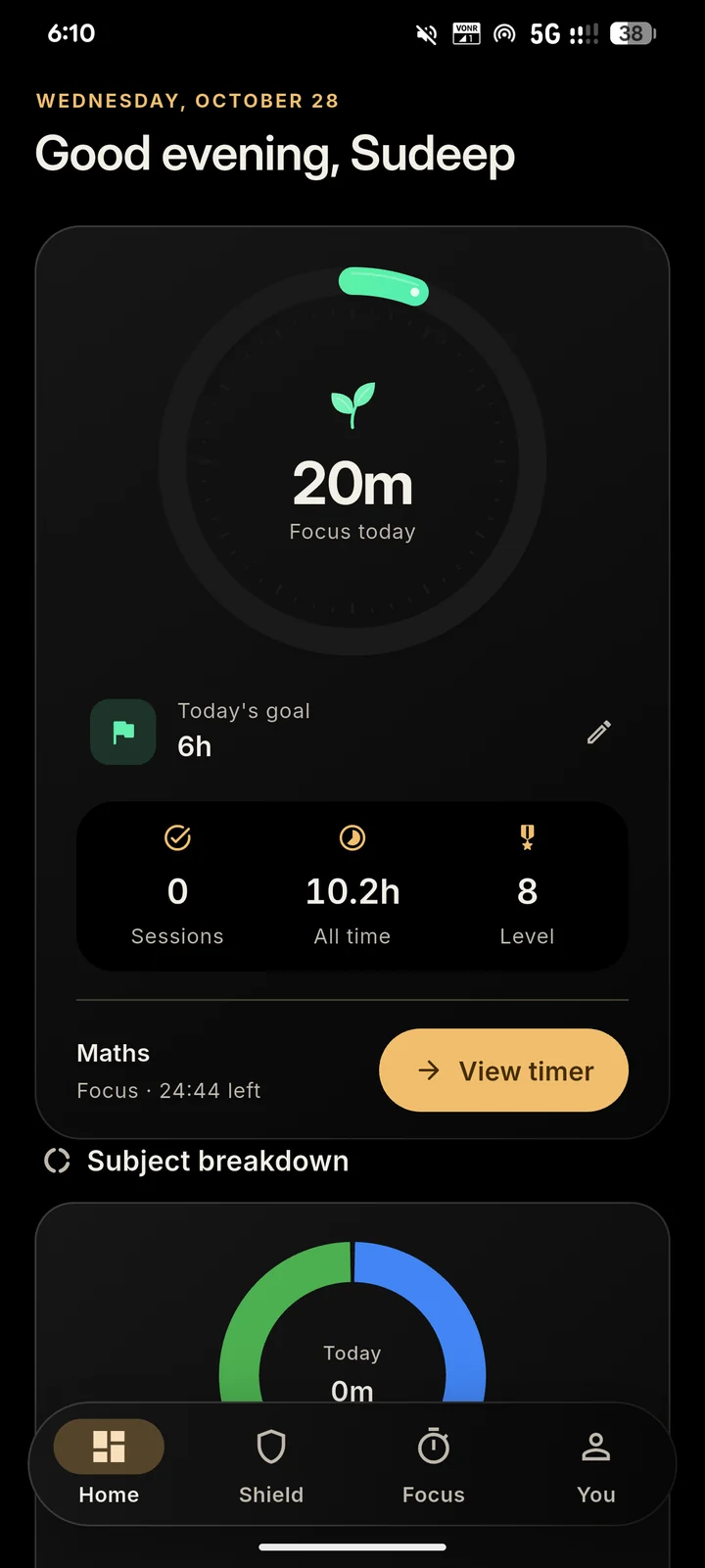
Daily targets, weekly totals for every course and home-screen widgets turn scattered sessions into a record you can actually see.
Screenshots of FocusForge running on a real Android phone. Tap a card to see the other theme.
Fifteen minutes, ninety, or anything between. Tag the subject so the time lands where it belongs.
Whatever you marked off-limits stays shut until the block ends. Lecture videos still play.
Finished blocks feed today’s goal, the weekly chart and each subject’s total.
Shield has to know which apps you open. That knowledge stays on the device, by design rather than by promise.
Read the privacy policyHow timed focus blocks and short breaks help you start sooner and last longer, and how to pick a block length that suits the work in front of you.
Three kinds of limits, the Android permissions they rely on, and how to filter YouTube Shorts and the home feed without losing lecture videos.
Small daily goals, a fixed cue, weekly targets per subject and an honest weekly review: a habit plan you can keep on your worst day.
Not covered here? Write to us.
Yes. FocusForge is free and open source, with no ads and no subscriptions. The Android app is available from our GitHub releases.
The focus timer works without an account. Choose Skip for now to start locally without waiting for Firebase sign-in. Linked accounts use Firebase for private study and badge backups, groups and the optional leaderboard. Using the app without an email account is not a promise of no network activity.
Normal app shielding uses Usage Access to detect the app in use and Draw over other apps to display a pause screen. FocusForge shows a disclosure and asks before it reads your list of installed apps, and that list stays on your phone. Accessibility is requested separately when you enable supported YouTube Shorts or feed filtering. App boundaries run with a foreground notification and a Stop action. All access is optional and can be revoked in Android settings.
FocusForge is currently Android-first, for Android 7.0 and above. We do not currently offer an iOS download.
Yes. Sign in on our Delete account page using the same email/password or Google account as the app, then confirm deletion. Private study and badge backups, saved profile photos, shared progress and leaderboard entries are removed before your login. You can also delete your account in the app. The website cannot erase phone-local history; clear app storage separately. Signing out keeps your data. Delete your account.
Install it tonight and start your first block tomorrow morning. No account required.